
Notes
Adding/working with notes is an important way of working with improvements in AVIX. By creating a note directly when a problem or idea appears, you create very useful data to log and track suggestions and problems.
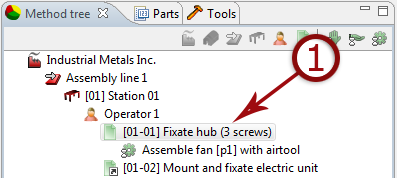
- Select a level in the tree to add a note
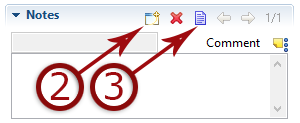
- Click to create note
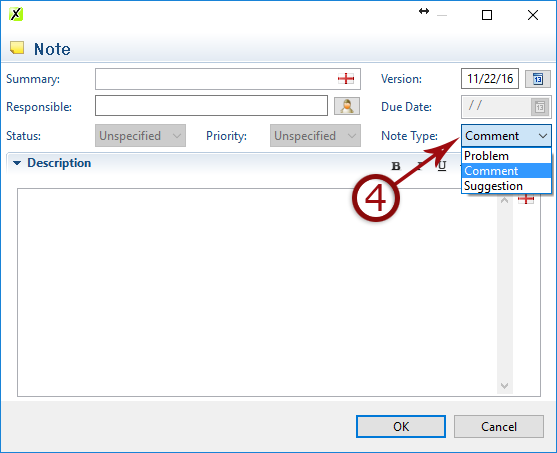
- Edit a note or set priority, responsible and due date
- Select note type