
Error Reporting
Sometimes problems occur in AVIX. It can be bugs of different types or system and hardware errors
In AVIX (from version 4.6.9) it is possible to send a support issue directly to our support team that contains log files useful for their troubleshooting.
Click the menu:
Help ⇾ Report application problem
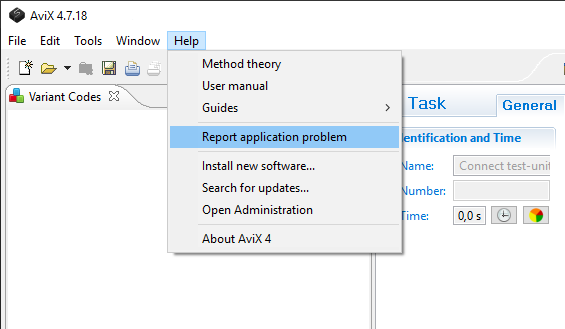
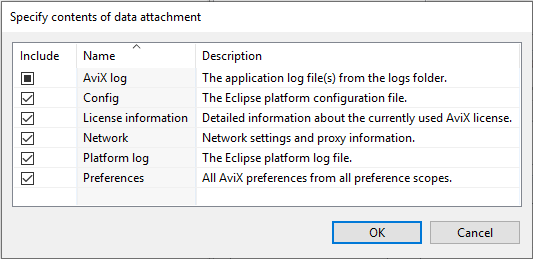
Click "OK"
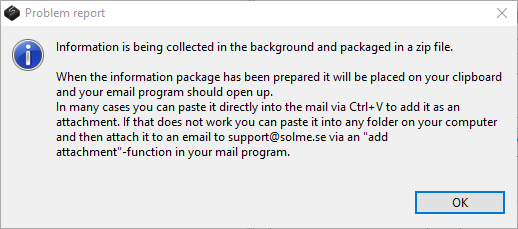
Read the dialog and then click "OK".
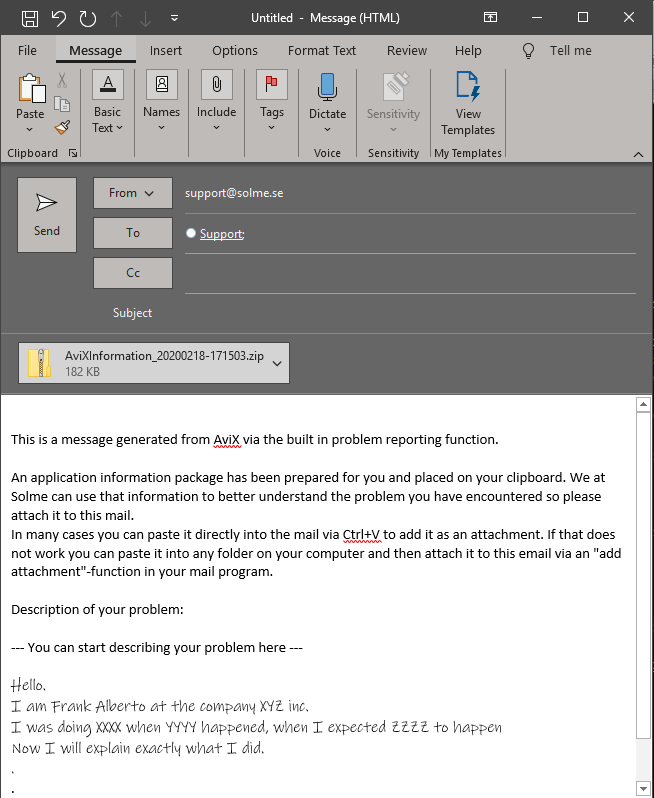
The e-mail program should open with some text and email address support@solme.se pre-filled.
To attach the error report files that comes in the form of a .zip file
you need to press (ctrl+v) to paste the files into the mail.
Then type who you are and what company you work at and explain
- what you did
- what you expected and
- what happened.
If you have had a crash, please look for and attach the hs_errr_pidXXXX.log file to the mail also.
When AVIX crashes, the program can’t write to the log.
So the problem cannot be seen in the ordinary log file.
Instead you should look for
hs_err_pidXXXX.log
where XXXX is a process id.
This file can be located in different places, depending on how AVIX was started.
1. In the AVIX installation folder.
2. In the same folder as the AVIX file that was loaded.
3. In the same folder as the shortcut that was used to start AVIX .
If AVIX crashes, it is most likely due to a video handling error.
Crashes occur in connection with the media player, often due to the coding of the video.