Language Settings
There are two separate kinds of language settings in AviX. One control the application language and the other multi-language for AviX files (enabled with Enterprise license) behavior respectively
APPLICATION LANGUAGE SETTINGS
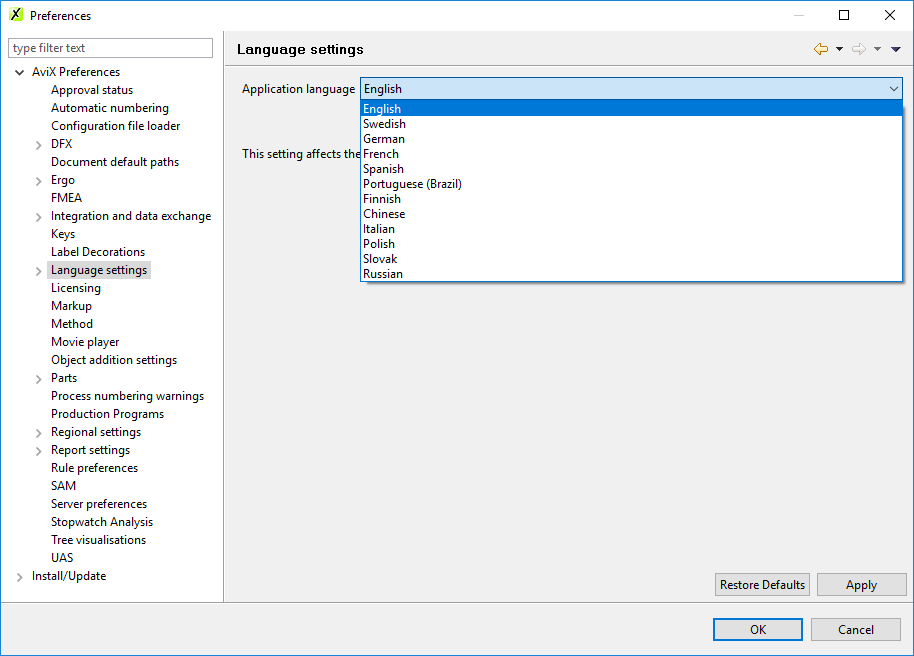
By default, AviX runs in the same language as the computer’s operating system. On the Language settings page, AviX can be set to run in any of the available languages (see below). If a certain term is not translated to the selected language, the term will be presented in English. After changing the Application language setting, AviX will need to be restarted for the change to take effect.