Online references
https://www.sqlserverversions.com/
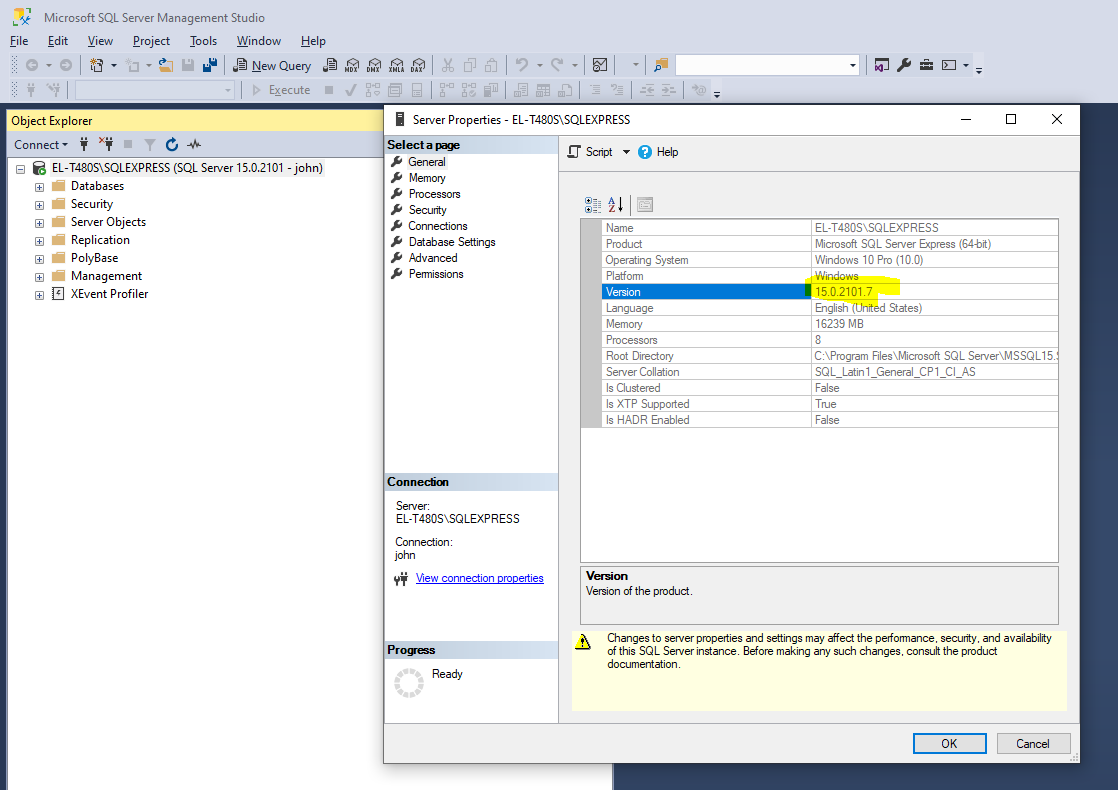
Helps you to detect the release version of the SQL Server you have installed. Use the SQL Server SMS and connect to your SQL Server instance, and right-click to show the properties:
SQL Server Configuration Manager
A tool you'll need to check ports etc.
SQL Server Configuration Manager - SQL Server | Microsoft Learn
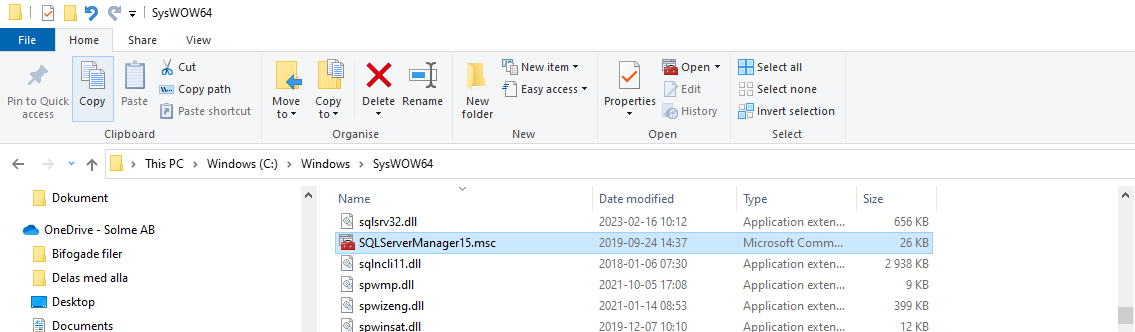
Basically, if you have SQL Server installed, but cannot find the configuration manager by searching the start menu, you'll have to access it as a so-called "MMC snap-in". Thus it might not be an installed application.
All in all, on more modern Windows systems you'll find the the file in C:\Windows\SysWOW64\, as seen below. Just run it.