
Updating Path to Movie File
If the movie has been moved to another folder on the computer or network, the following message will be shown:
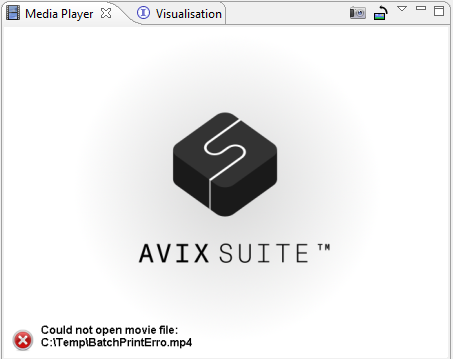
To correct this you have to update the path of the movie file in AVIX.
If the movie has been moved to another folder on the computer or network, the following message will be shown:
To correct this you have to update the path of the movie file in AVIX.