What is the purpose of location codes?
On a large product, a car for instance, several operators work at the same time performing different assembly tasks. The location code is a possibility to describe where on a product a task is performed.
The location code is defined by a picture of the product and has to be defined in the template file. You will need an admin license to access the admin view which makes it possible to manipulate the template file.
NOTE! Be careful when manipulating the template file since lot´s of functionality in AVIX is dependent of a correct template file. Consult with your AVIX contact if you are not confident of that the change you are about to do is correct.
In below example a folder (Location codes) has been created and in the folder a location code (Mid size car).
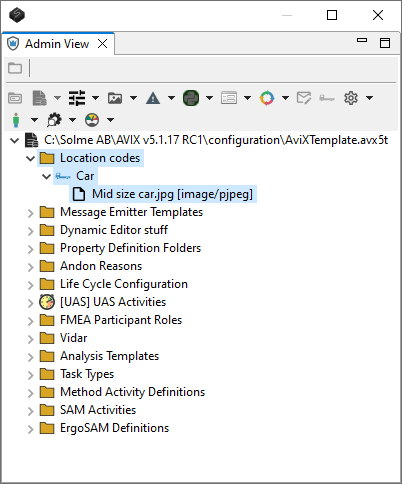
The picture of the product is added on the location code object on the documents tab.
The locations (zones) of the product is defined by using the edit markup and using the text boxes with text.
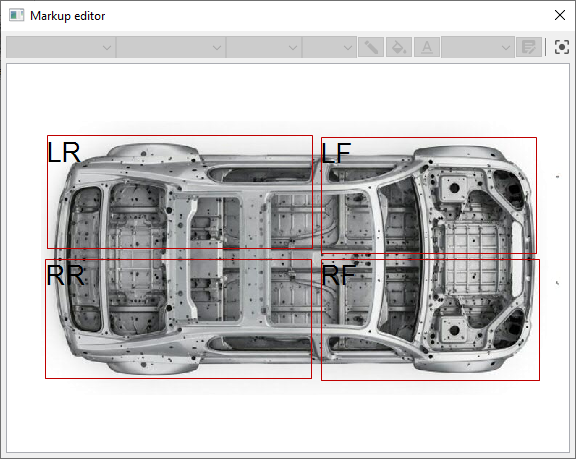
The coordinates from the rectangles and the text that is seen above is used in AVIX when the location code functionality is used.
To set a location code click on the icon of the small truck and then the drop down and finally the location on the product where the task is performed. The result is that a value of Mid size car : Left rear.
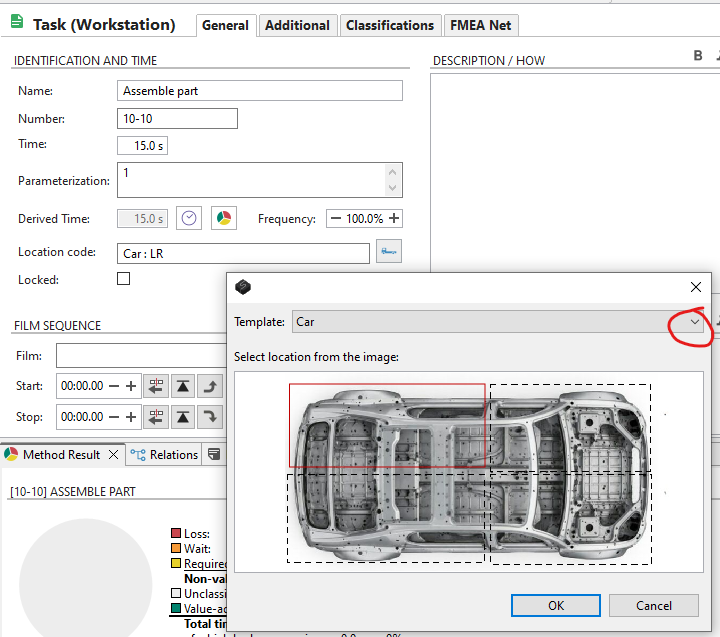
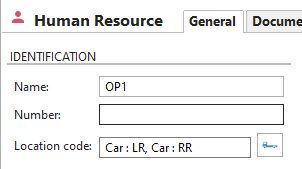
The location codes are also available on workstations and resources. There it is used to describe in which location(s) tasks may be performed on that workstation or resource. In below picture two locations have been set, Left rear and Right rear.
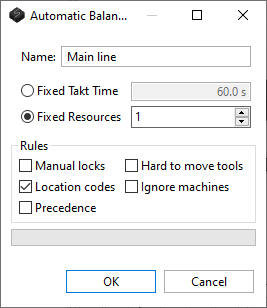
In AVIX there is functionality for automatic line balancing. There is an option to make the automatic line balancing respect the restriction of location codes so that a task is not moved to a workstation or resource which does not have the capability to perform taks in the location that is defined on the task.
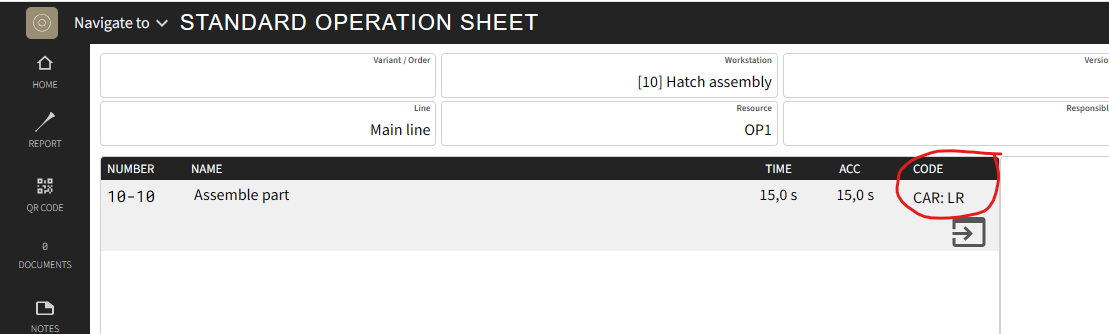
In AVIX Shopfloor Viewer the location code for a process task can be visualized.