Batch Print Reports
With Batch print (available from AVIX 4.7.11), you can print a hierarchy of reports to a specified path.
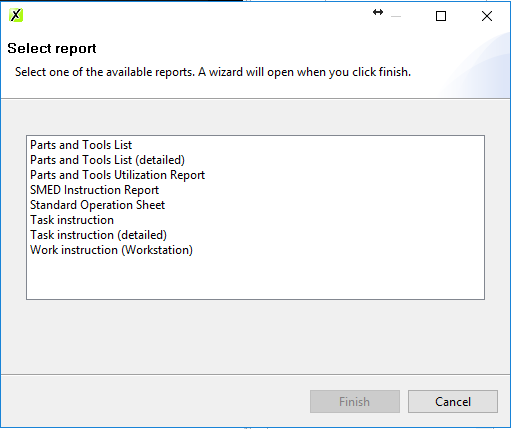
These are the available reports:
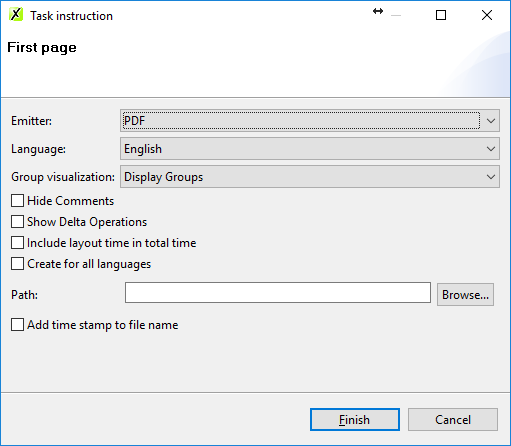
In the next dialog, by pressing browse, you can select the path to where the reports are saved.
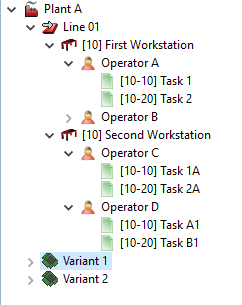
This is a method tree in AVIX
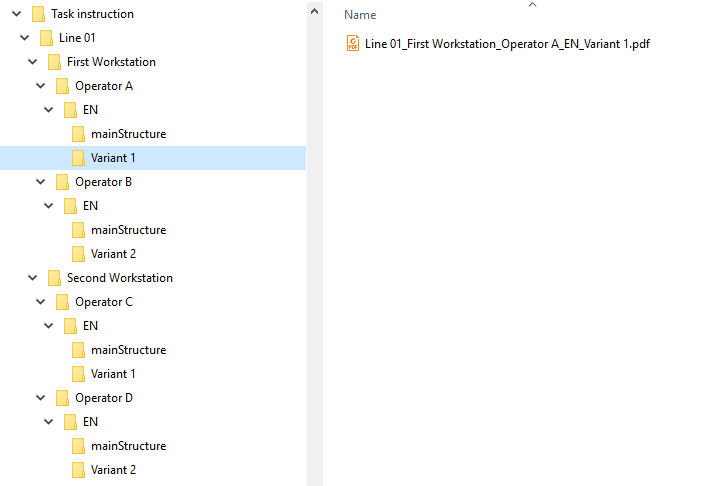
Batch printing will create a folder structure in the selected path, that reflects the structure in AVIX and it gives the reports names derived from the structure in AVIX, like this:
(This example was made with the Task instruction report.)