Follow-up – Result and Reports
There are two interesting reports that can be printed after completing a FMEA analysis:
the FMEA report and the Action report.
The FMEA report is available under the print icon when a row in the Function column in the FMEA is selected.
First select a line, a workstation, a process plan or an assembly.
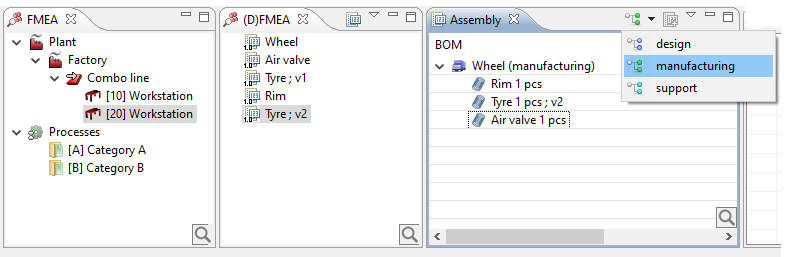
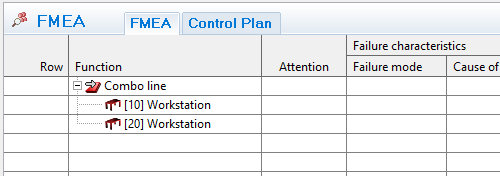
Then select a line in the Function column in the FMEA, like Combo line
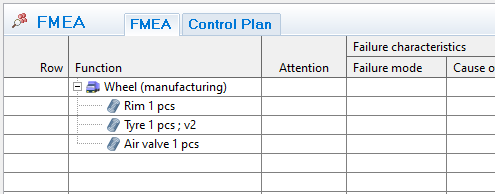
... or Wheel
The Action report (a standard report available not only for the FMEA module) is printed from the relations view.
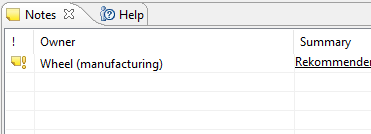
Select a note and then press the print icon.