
AVIX FMEA
When AVIX is running switch to FMEA perspective (module) through pressing on the FMEA-icon in the top center menu. The default layout of AVIX FMEA looks like below. Analogous to other AVIX modules the window layout can be customized, to return to default layout you press.
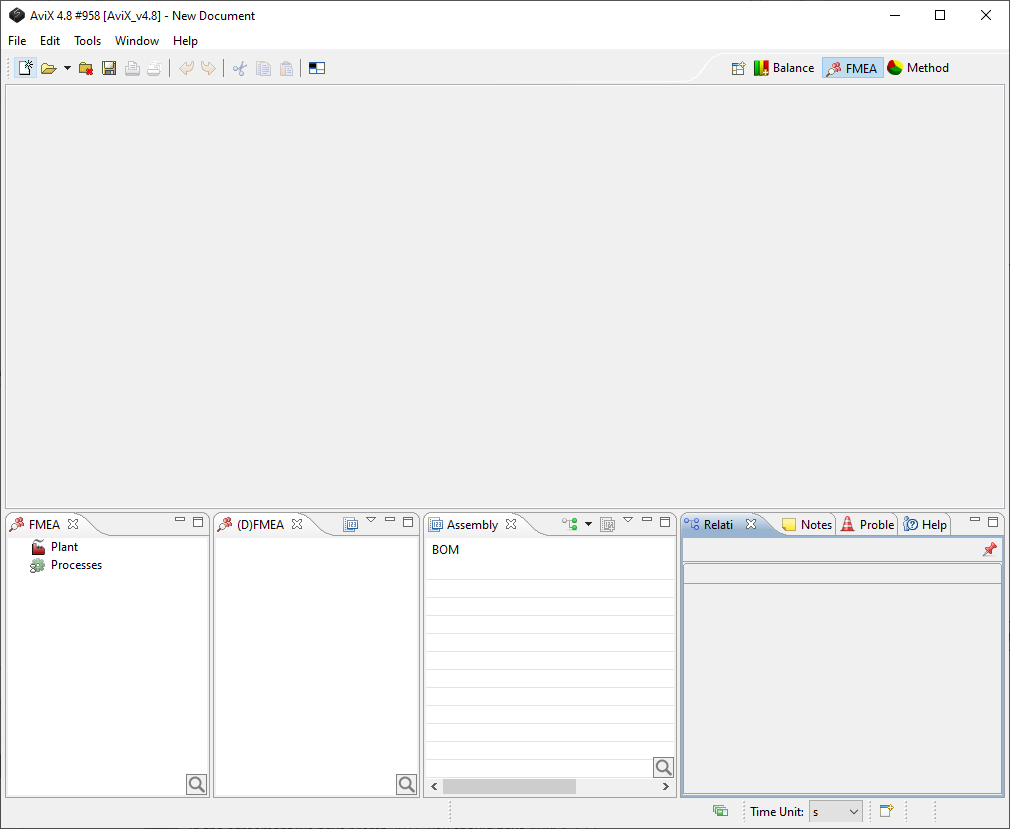
Picture 1 Default start layout of the FMEA.
The Process FMEA and the Design FMEA have separate tabs in the FMEA-window.