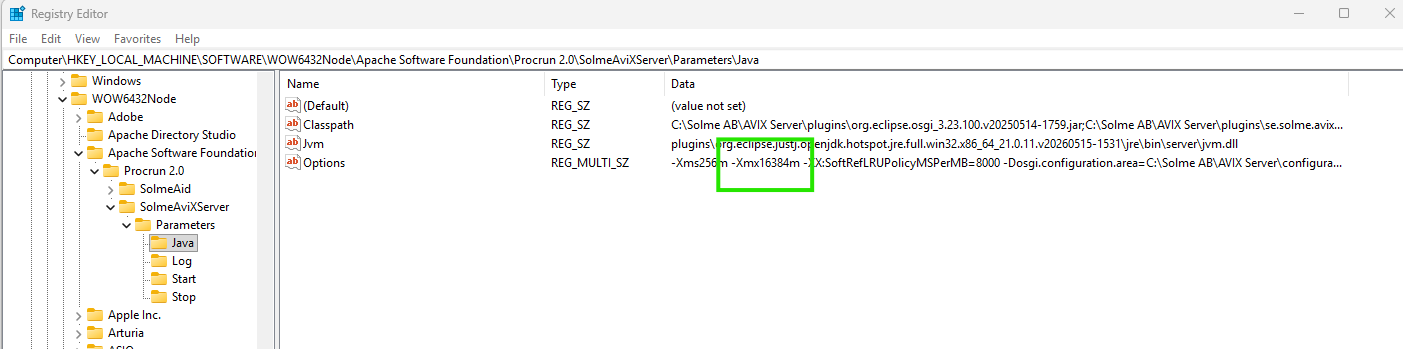
Server service: change jvm memory
The user account running the AVIX Server service provides the access permissions for the server. Local Service - the default account in use after registering the AVIX Server as a Windows service - runs with low privileges. This means that is will not have any access to network file resources.
Why change user account? If the server cannot access folders or drives containing linked files (movies, images etc), you typically need to run the server with another account with adequate permissions.
Howchange tojvm editmemory the account used to run the AVIX Server serviceassignment
This can be done in multipletwo ways:
- Using the
WindowsSolmeAviXServerServicesservice manager application - Using the
SolmeAviXServerRegistryservice properties applicationEditor
Using
Regardless theof Windowsmethod Serviceused, Applicationyou
Openwill theneed Windowsto Services application and search forre-start the service namedafter "Solmehaving AVIX Server Service".
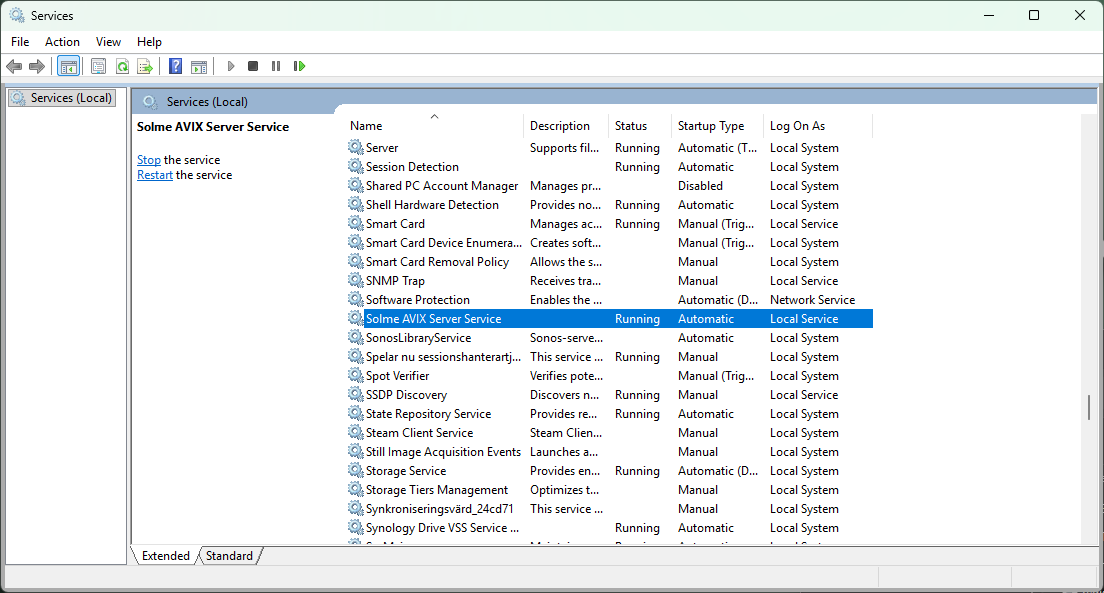
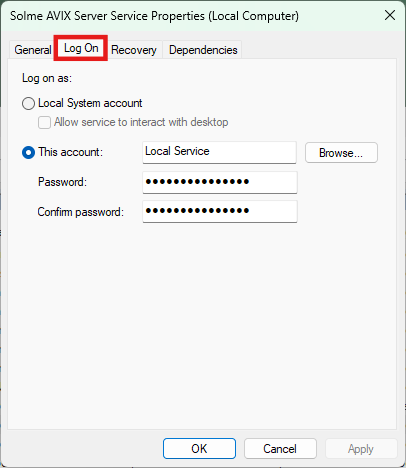
Openchanged the propertiesxmx forsetting. the service from its context menu or by double clicking on it. Switch over to the "Log On" tab. On this page it is possible to assign a new user account.
If
account is changed, restart the service.
Using the Solme AviX Server Service Propertiesmanager Application
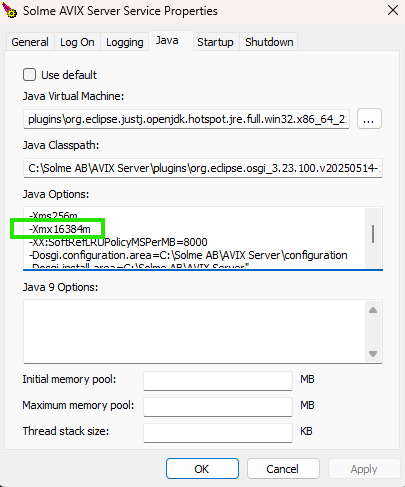
In the installation folder of AVIX Server - the default location is "C:\Solme AB\AVIX Server" - open the folder "commons-daemon" in a File Explorer. In this folder there is an application "SolmeAviXServer.exe".
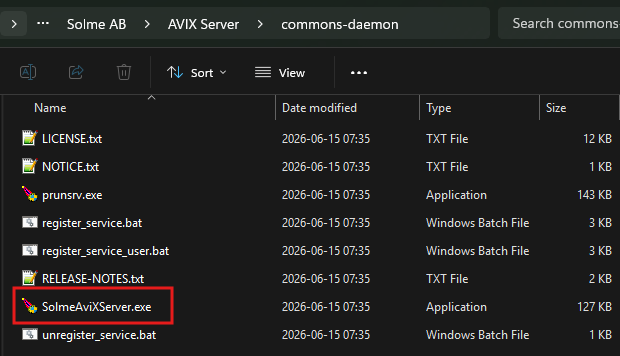
Run this application, you may will need to allow elevated access. Switch to the "Log On"Java" tab. On thisThe pageXmx itvariable may be edited, to assign more (or less) memory to the AVIX Server.
Using the registry editor
It is also possible to assignachive athis newby userchanging account.
Ifthe accountregistry directly. The node is changed,found restartin the service.Windows Registry Editor under: Computer\HKEY_LOCAL_MACHINE\SOFTWARE\WOW6432Node\Apache Software Foundation\Procrun 2.0\SolmeAviXServer\Parameters\Java