
Installation (Windows Service)
installationInstallation media
Get the latest version of the AVIX Server executable installer here: AVIX Community Site
Look under "Latest release", the downloadable unit should be called: "AVIX Server v5.1.X (64-bit).exe" (where X=latest version)
upgrade notice
If the installation you are performing is an upgrade (i.e. you have already previously an AVIX Server of a previous version installed), settings files will be preserved. This means that system settings files saved either by an administrator or by the software itself during operation will be maintained.
Installation
Double-click on the downloaded executable, to start the installation of the AVIX Server software.
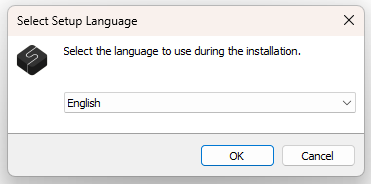
Select installation language
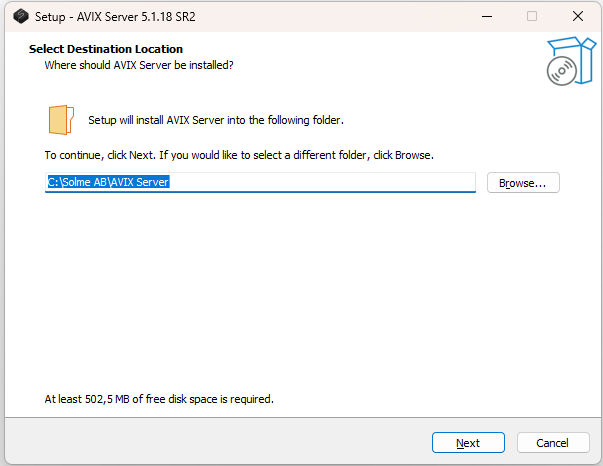
Select installation location
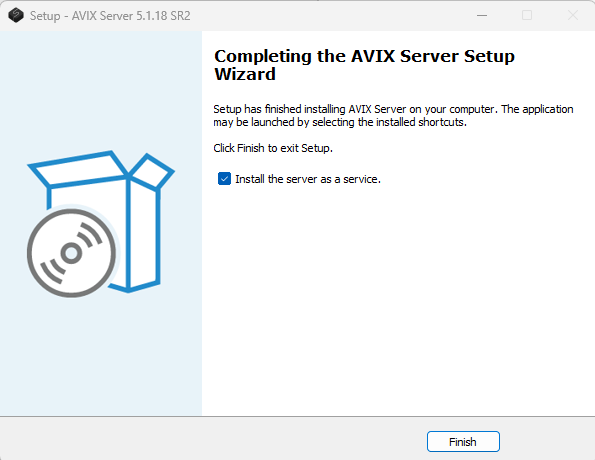
install as service
To install the AVIX Server as a Windows service, select the check box and hit "Finish".
verify service running
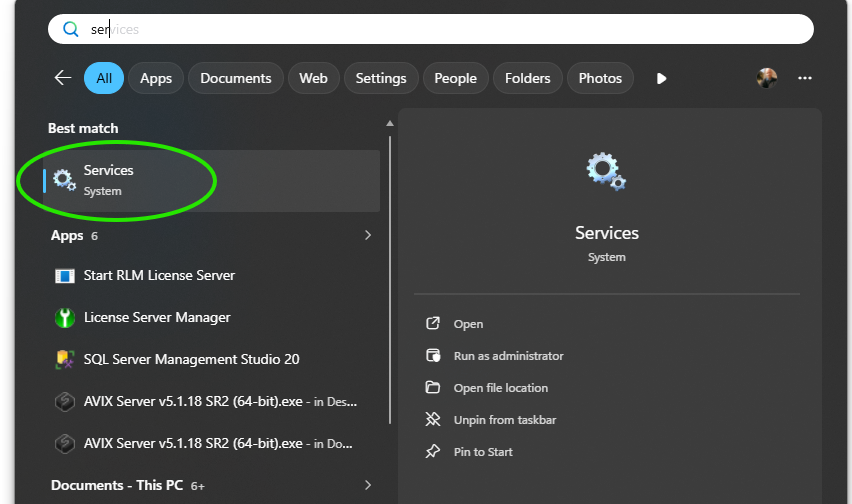
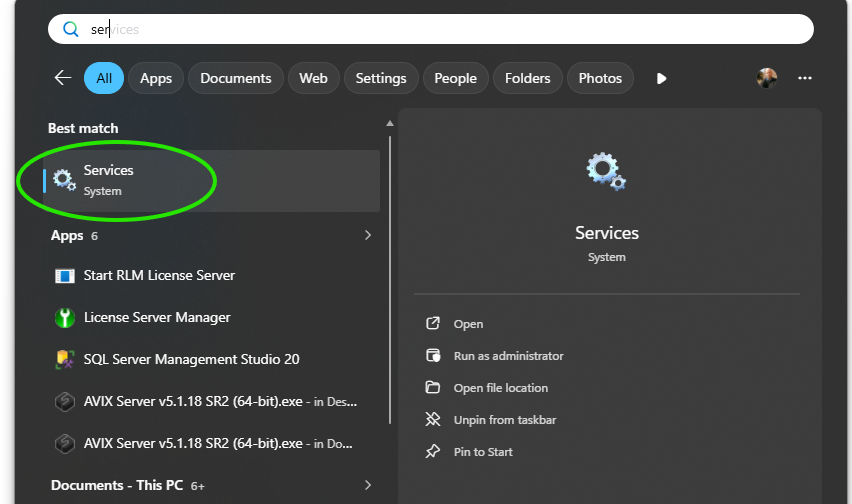
Open the Windows Services interface, for instance using Windows Search:
- Click the Start menu (or press the Windows key on your keyboard)
- Type services
- Click Services in the search results
-
The name of the service is "Solme AVIX Server Service". Locate it, and verify that its Status is Running. You probably want to make sure that the Startup Type is set to Automatic, in order for the service to automatically re-start on machine reboot.
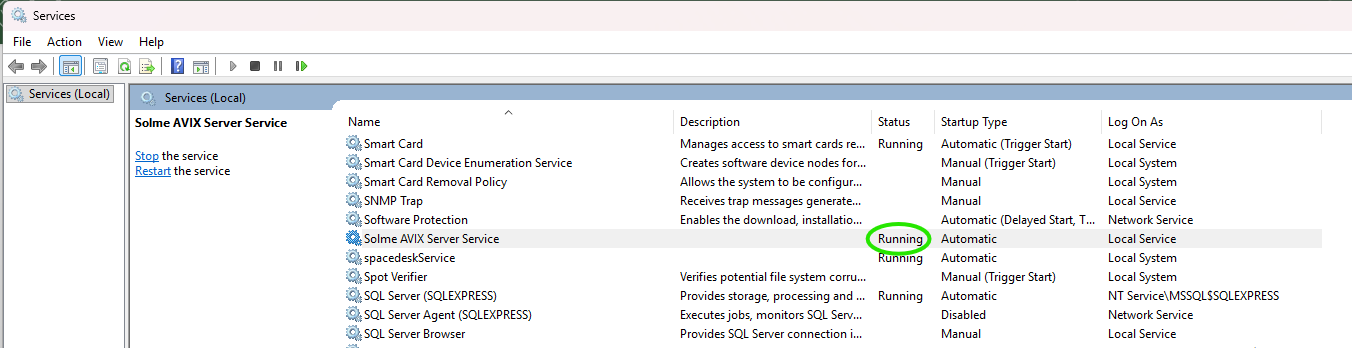
Verify service running #2
Access the Shop Floor Viewer web application: http://localhost:45500/dwi/