
Configuration : Allowed paths
Default paths
On the Administration settings page in the Shop Floor Viewer it is possible to define default paths. This way paths pointing to objects ( for instance an image ) does not need the full path. It is enough with a relative path that is matched against the configured default paths.
By default the AVIX server asks the operating system what roots are available and displays them in the default path dialog. It is then possible to navigate to the desired default path from there instead of writing the default path manually.
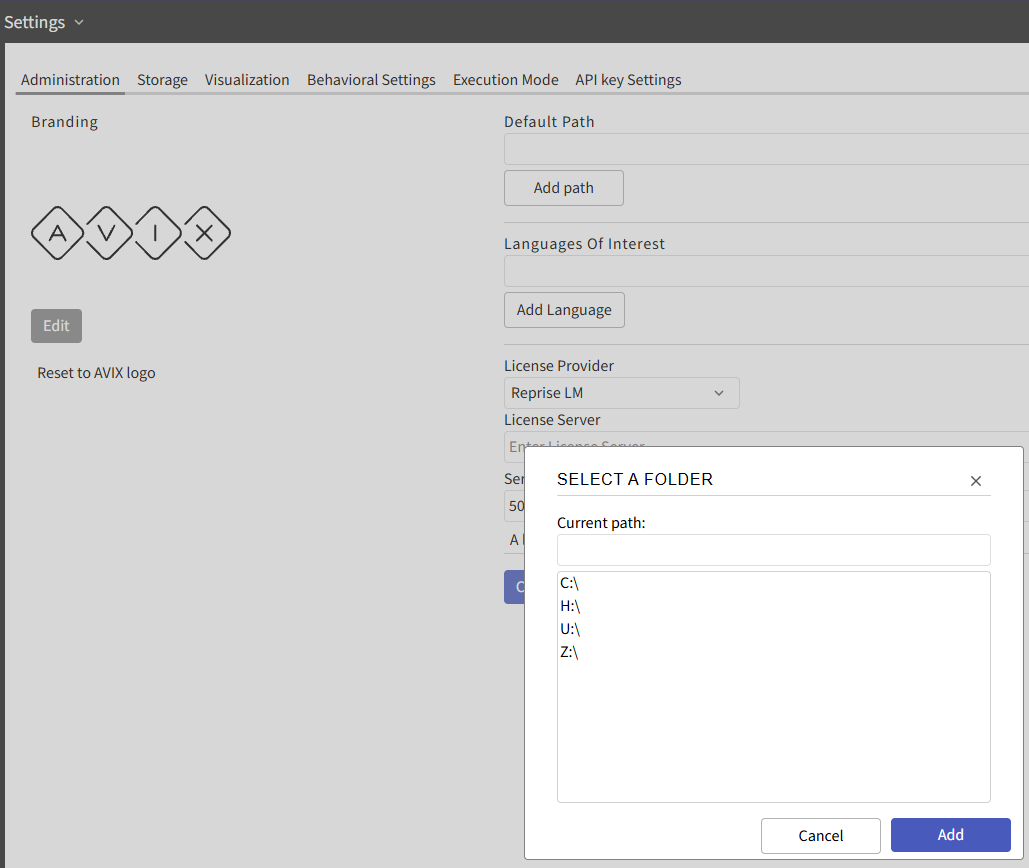
Allowed paths
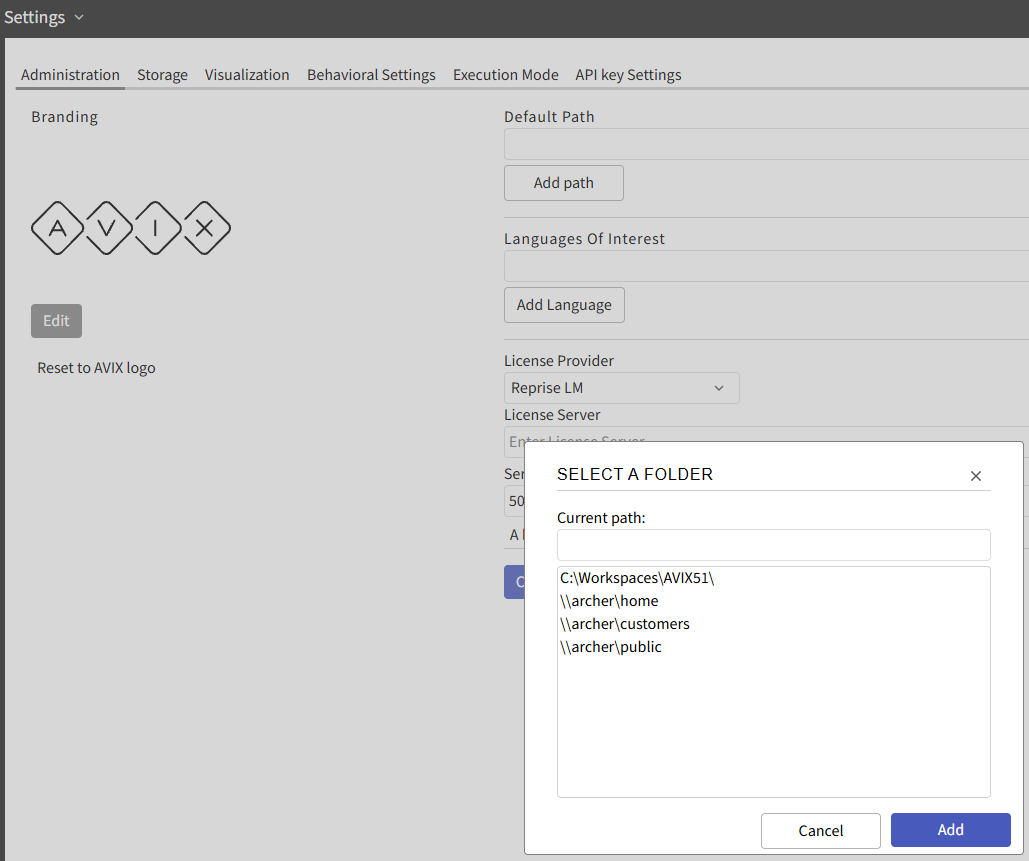
If there is a "allowed_roots.json" file in the server's install location then the roots defined in it will be displayed instead of what the operating system returns.
{
	"allowed_roots": [
	{ "name": "C:\\Workspaces\\AVIX51\\", "path": "C:\\Workspaces\\AVIX51\\" },
	{ "name": "\\\\archer\\home", "path": "\\\\archer\\home" },
	{ "name": "\\\\archer\\customers", "path": "\\\\archer\\customers"},
	{ "name": "\\\\archer\\public", "path": "\\\\archer\\public" }
  ]
}
In both cases the operating system user that is running the server needs to have valid permissions to access the roots.