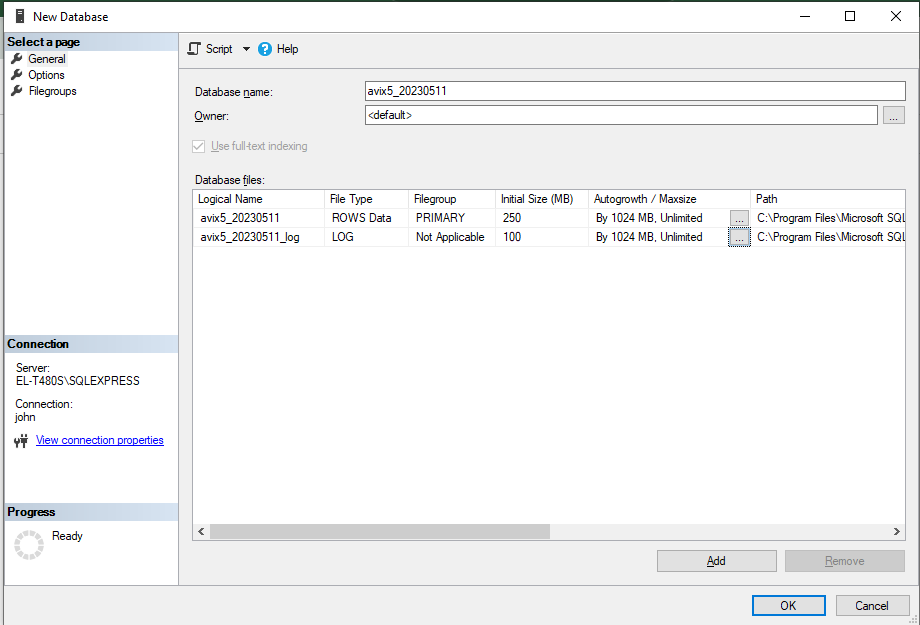
Create new DB
To create a new user – named "avixserver" - perform steps outlined below using MS SQL Server Management Studio. welcometoavix
Right-click on "Security/Logins",the “Databases” node, and select "“New Login.database...". On the "General" pane, fill in the details. (You may have to uncheck ‘Enforce password policy’ when creating the new user, depending on the password.)”
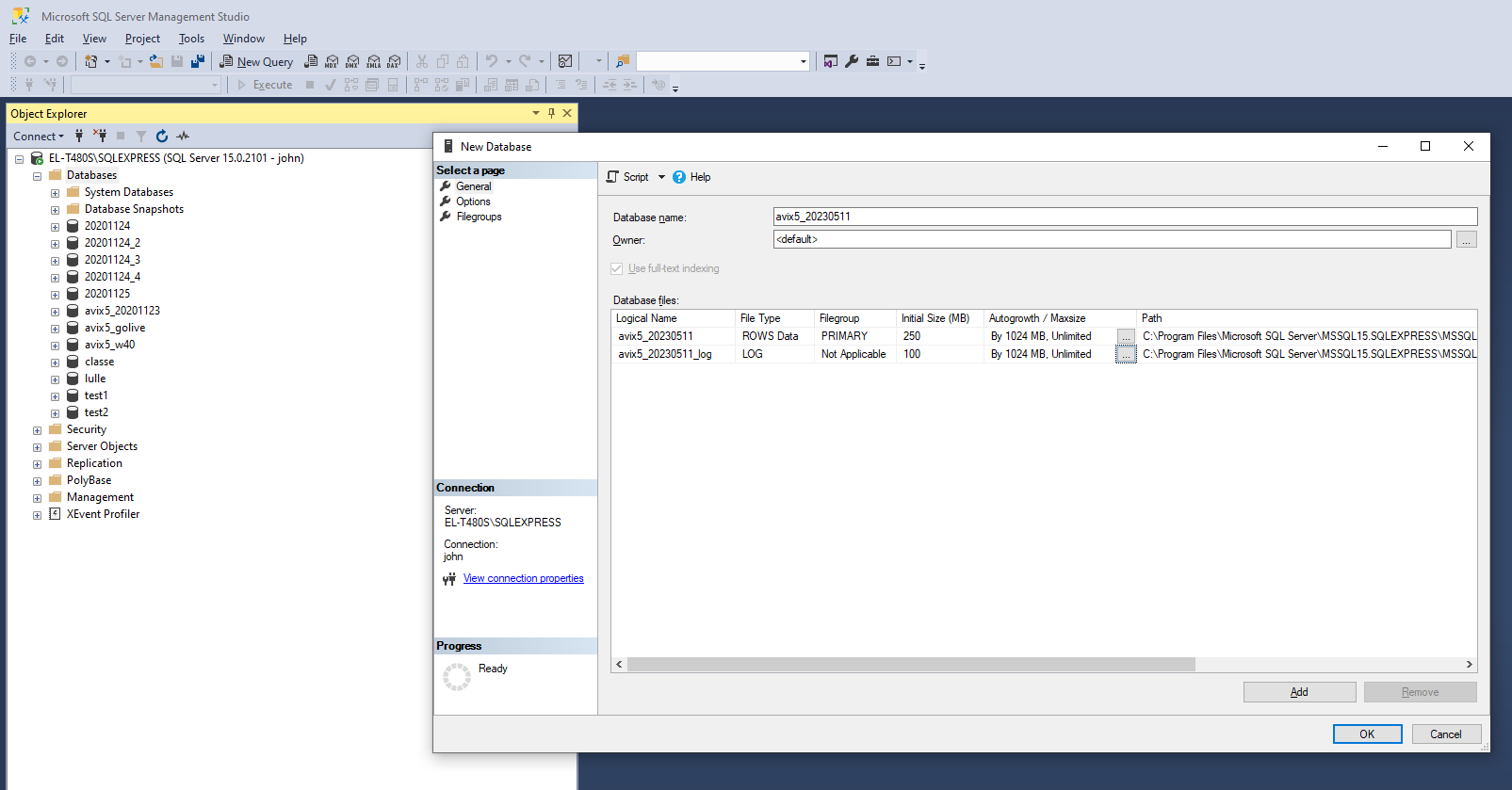
On the "Server Roles" pane, add sysadmin role: