
Task Grouping
If you want to simplify/reduce the number of process steps, you can create a more compact task structure (e.g. to fit work instructions), by using the “group selected objects” functionality.
Customized reports can support different combinations of groups, e.g. “groups in groups”. This can make it possible to create two types of reports from the same structure in AVIX. Send an email to info@solme.se and ask.
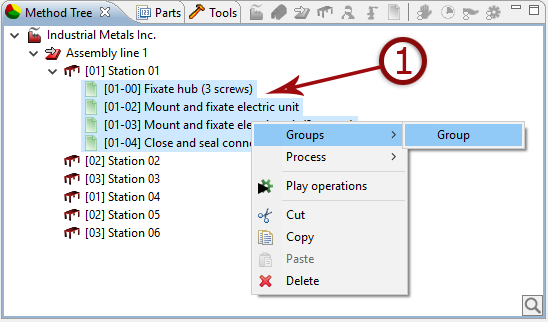
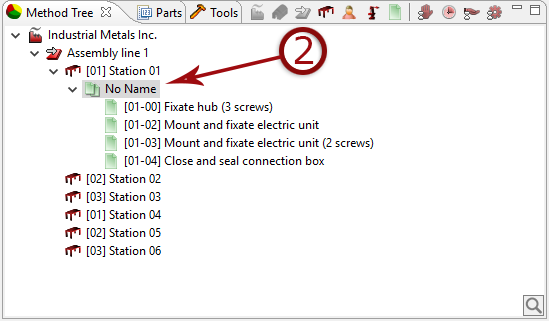
- Select the tasks to be grouped, right click and select ”group selected objects”.
It is possible to create "groups in groups"
- Add a suitable name to the group