
Import Plants, Parts, Processes, Tools and variant codes
Almost anything related to the necessary dataset can be imported from Excel to AVIX. In AVIX there’s a built-in wizard to import from Excel (.xls/.xlsx).
Following steps below is the same regardless of what attribute is being imported.
How it works:
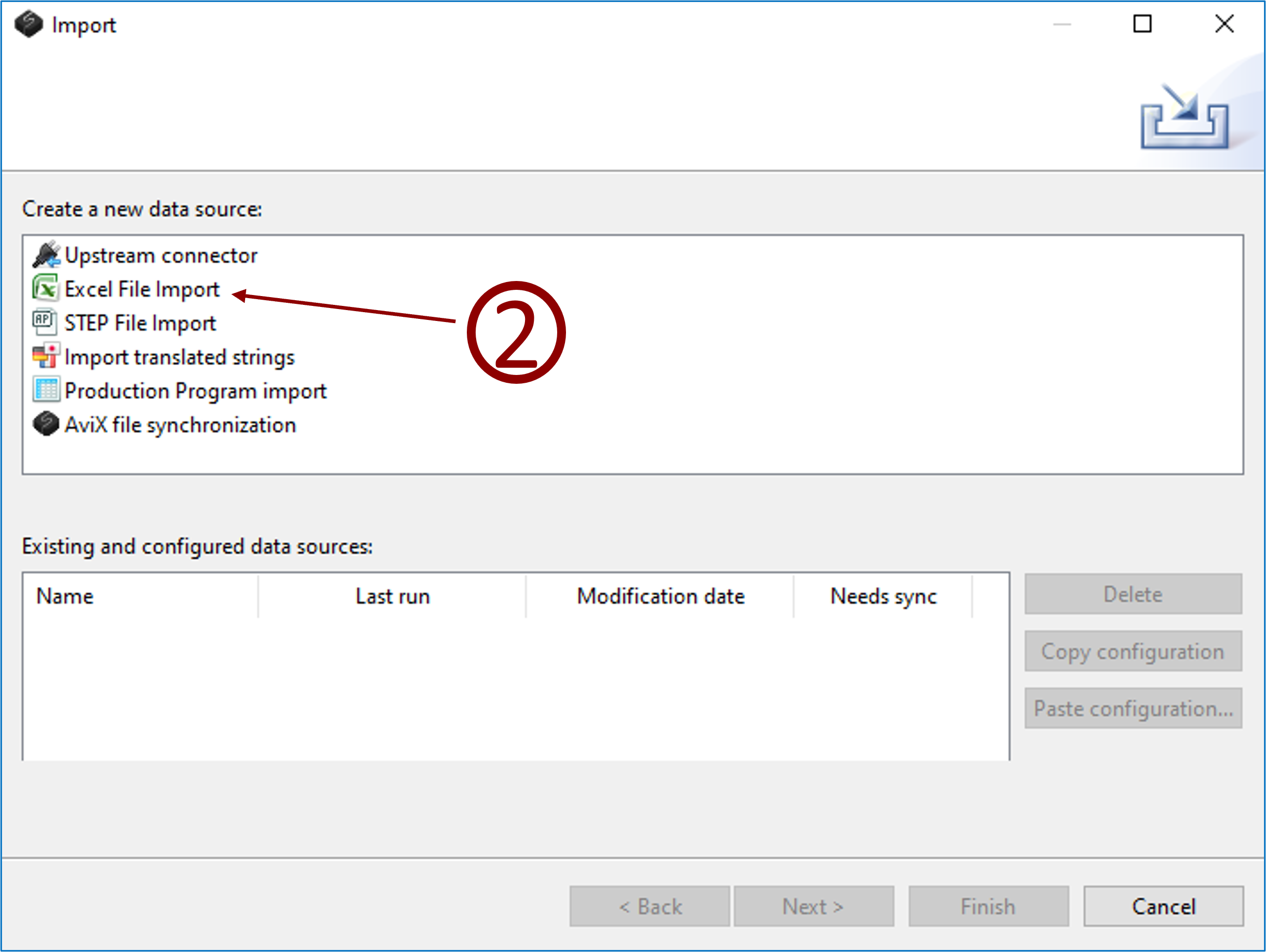
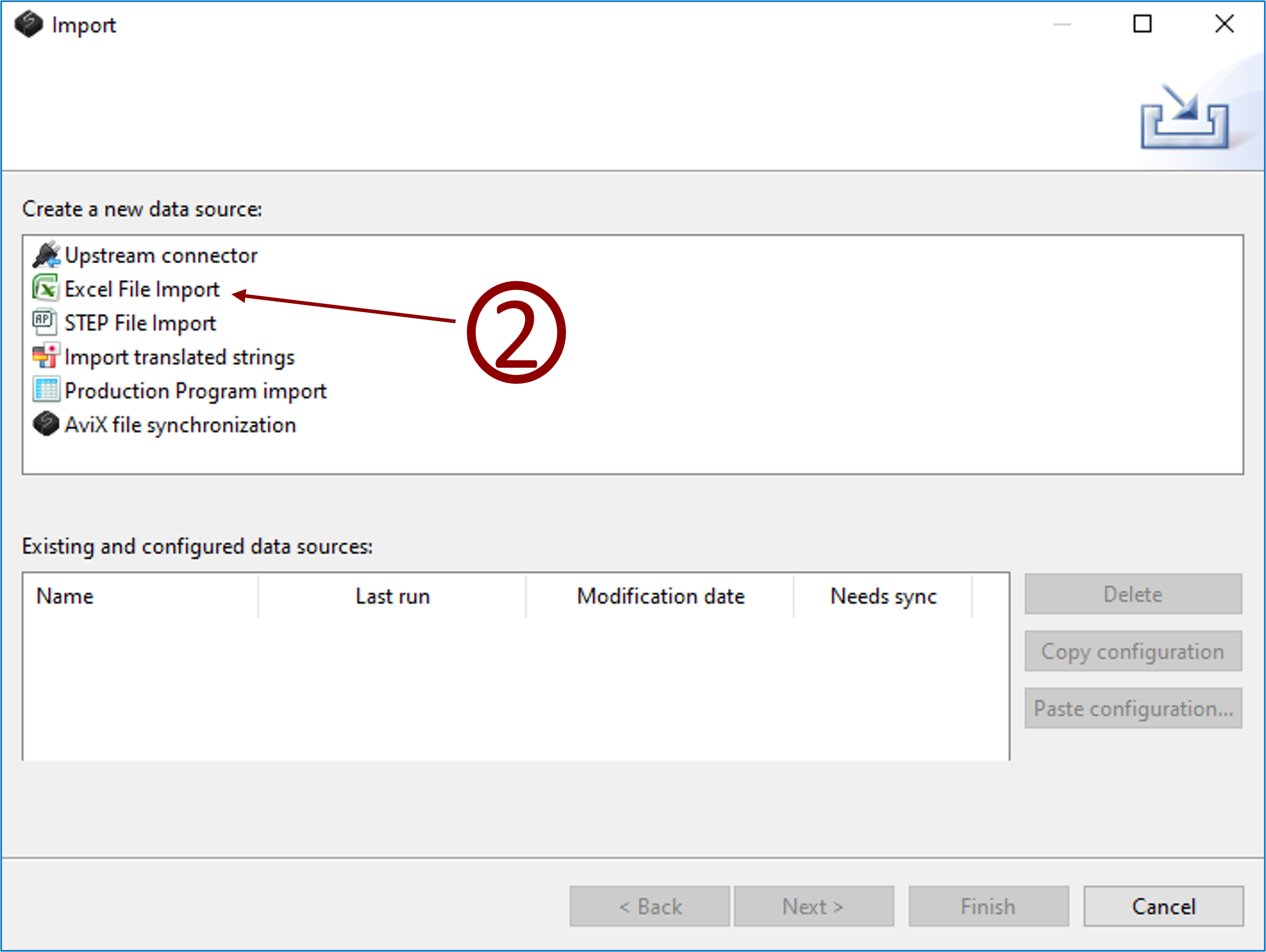
- Click menu File → Import
- Select Excel file import and click next.
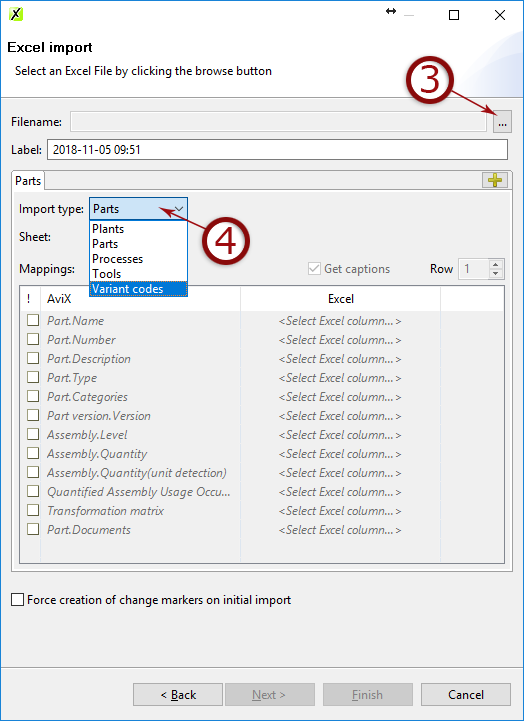
- Select the Excel document where your data is stored
- Select what to import and click next.
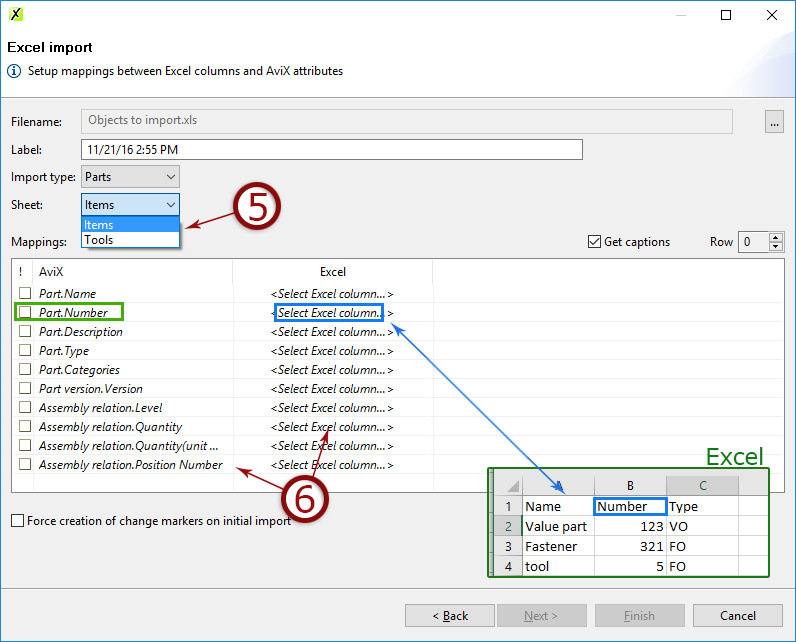
- Select the sheet from Excel document that contains the data
- Map the fields containing data
- Click next to see a preview or click finish.
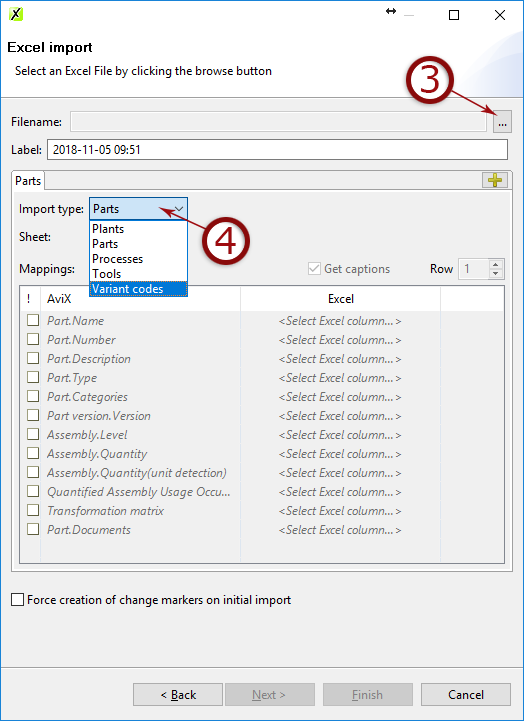
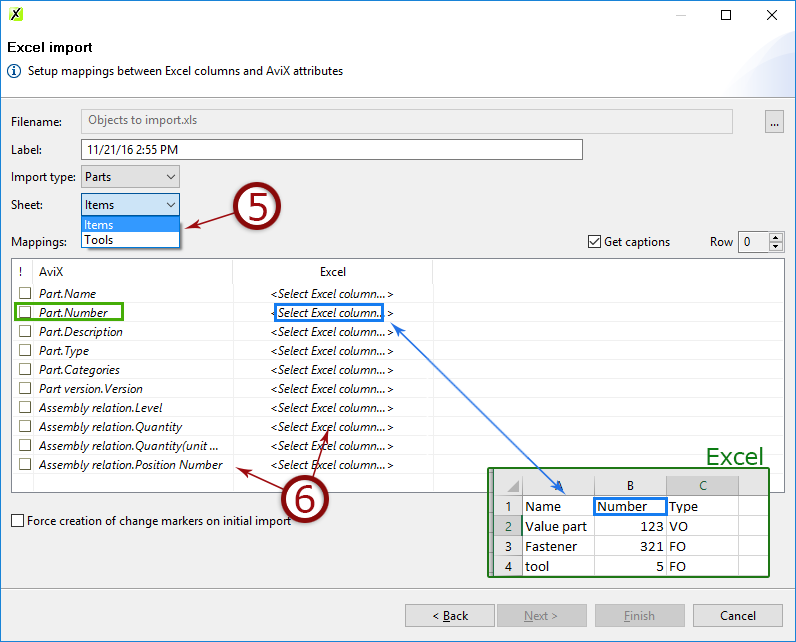
8. Follow the wizard and map the data in AVIX to the columns in Excel. Done!
Properties that can be imported
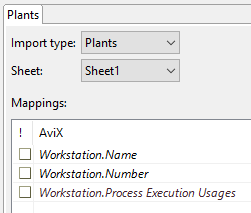
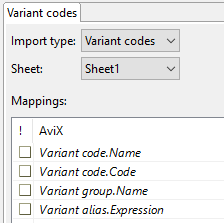
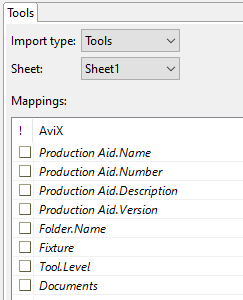
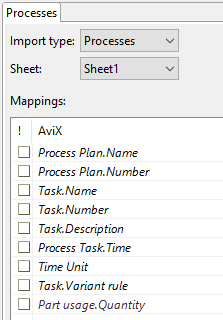
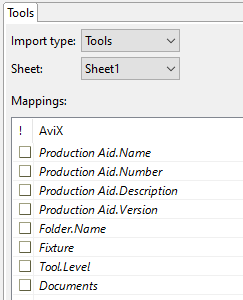
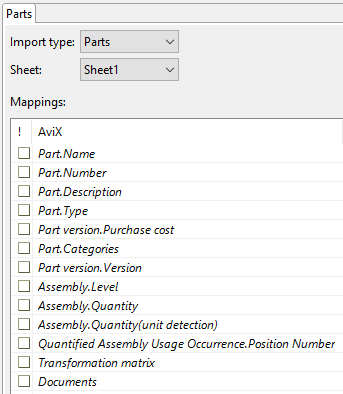
Importing documents & images
Documents and images (also linked) can be imported to parts and tools. This is done by adding the source of the image, e.g. c:\images\hammer.jpg.
Multiple images can be imported by separating the link using a semi-colon (;) e.g. c:\images\hammer1.jpg;c:\images\hammer2.jpg

Video instructions