
Manually adding production orders
Watch video: Manually adding production orders
Allowing production orders to be created, require that a order list is created first.

Click the Create order button to generategenerates an order. And fill in the order information.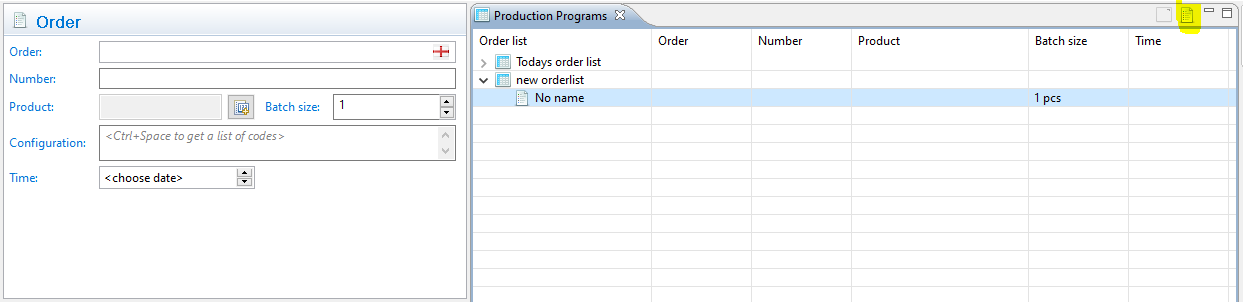
The order form needs to be filled.