Create production based mix
Watch video: Create production order based mix
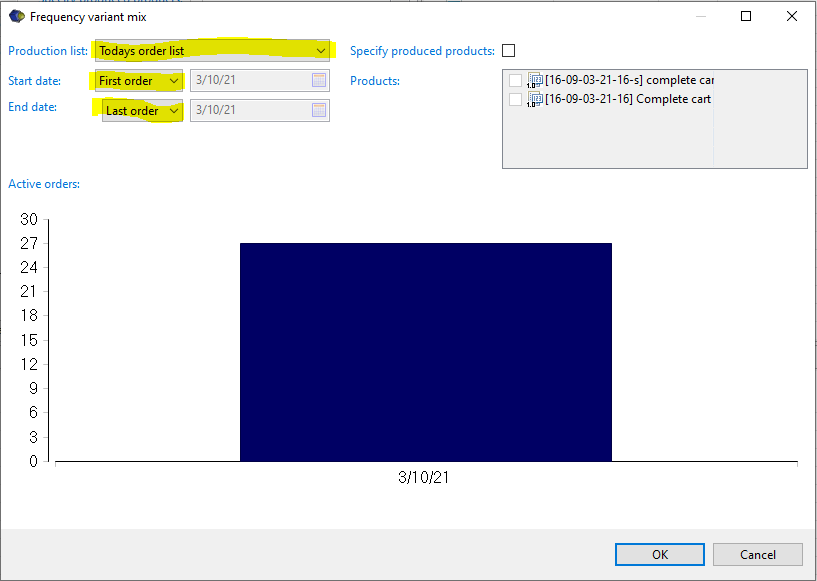
A variant mix is created by selecting the option “Create production based mix” from the Variant menu in the Balance tree view. The line must be selected for the button “Create production based mix” to be accessible. The production based mix appears among the variants.
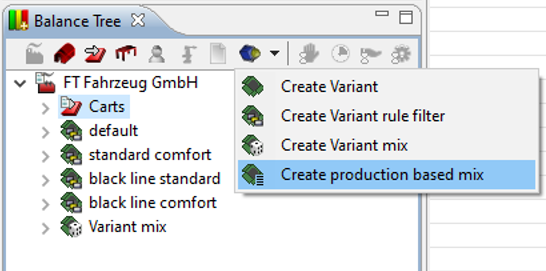
Under the variant specification tab the Production Program Mix menue appears. A production order needs to be selected for the mix to be activated. Clicking the "Edit" button will allow to set relevant information.
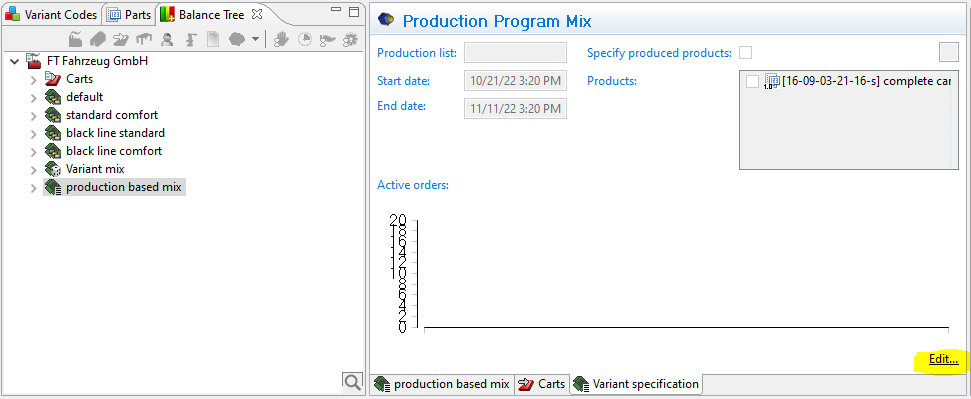
The Frequency variant mix appears.
- Production list: select proper production order list
- Start date: Available attributes is First order, Today or Date
- End date: Available attributes is Last order, Days, Weeks, Date