
File Sync
The file sync functionality lets the user sync data from other AVIX files/resources. This is useful functionality when working with big and/or multi-user process libraries.
Using multi-user process libraries often requires the synchronization of data to/from the master process library. This can easily be done by setting up sync sources in AVIX.
File syncing is done by selecting an AVIX source file to sync from. The master-file can sync from user-files and vice versa to exchange process tasks between the files.
A change management-view lets the user adjust the synchronized data e.g. if a change should be applied or not. In combination with the approval status setting (see 1.3) this gives a powerful way to keep track of process library changes.
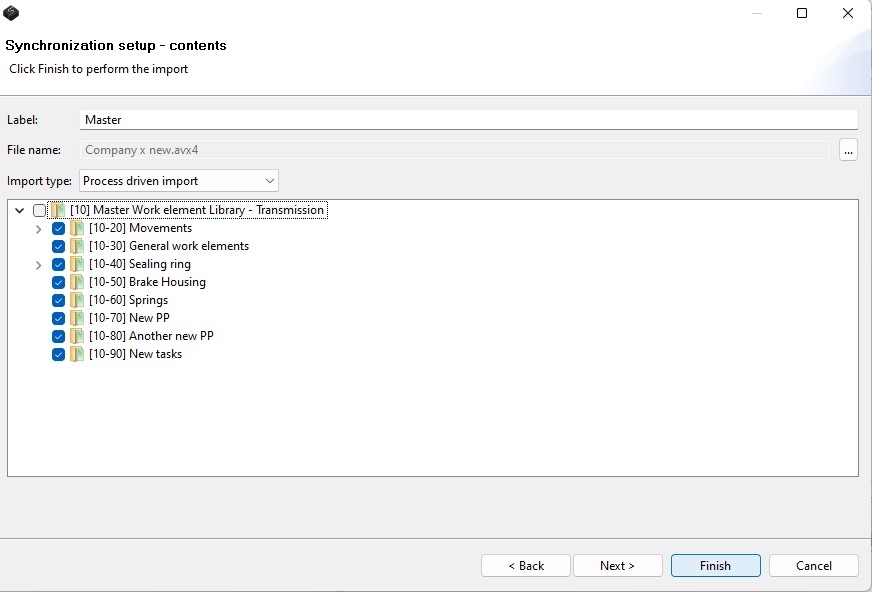
Picture 3: Setting up a sync-source
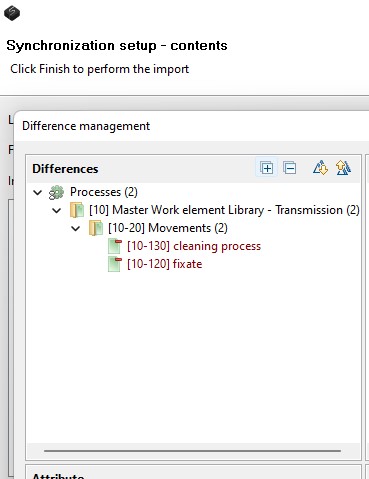
Picture 4: Change management, what will change/update when the synchronization is confirmed