
Installing customization/updates
Background
Sometimes new functionality needs to be installed in AVIX – It can be due to a software update, or a add-on (customization) with company specific functionality. The update and functionality is often available to download from the Solme Customer center https://community.solme.se and can be downloaded as .zip and installed directly in AVIX.
INSTALLING
1) Download and place the .zip in a suitable folder (e.g. a folder named “AVIX add-on)
2) Start AVIX
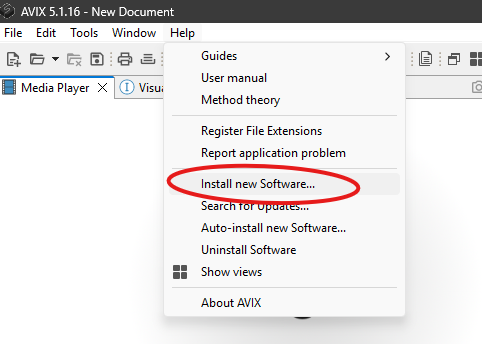
3) Select ”Help” à ”Install new software”
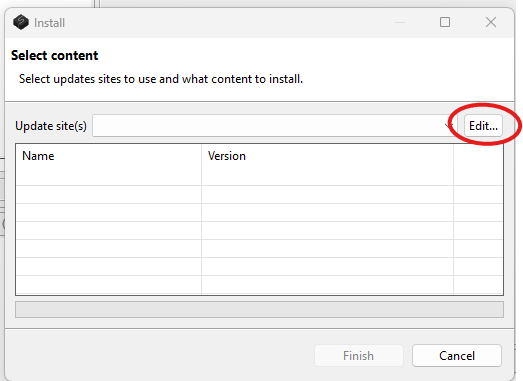
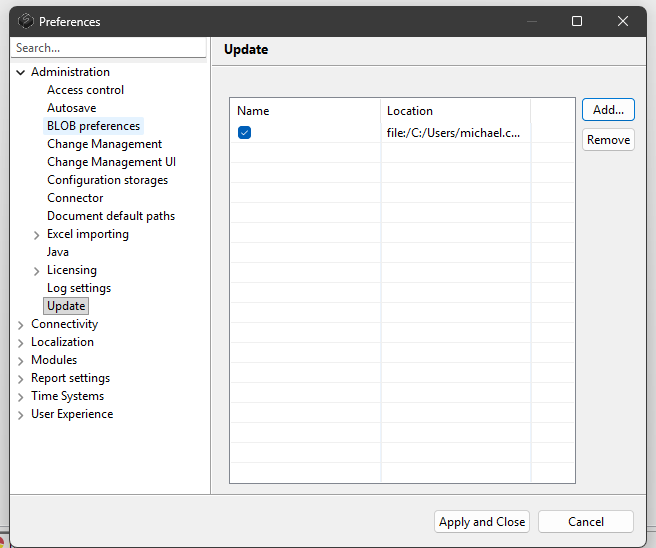
4) Select "Edit"
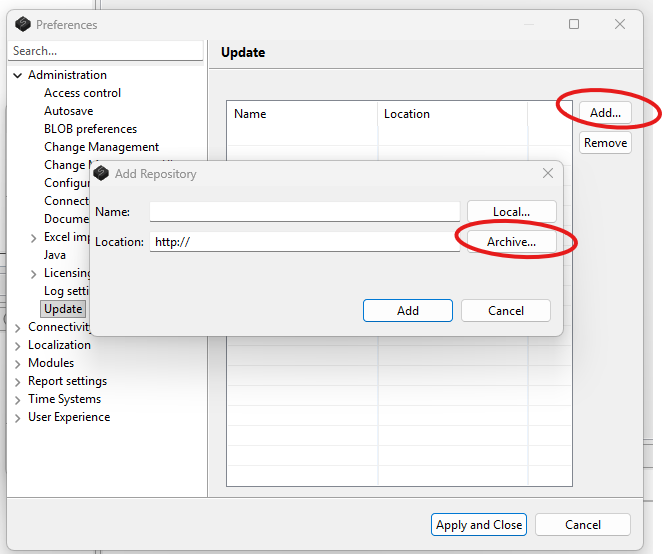
5) Select "Add" then "Archive"
6) Select the downloaded zip-archive and "Add"
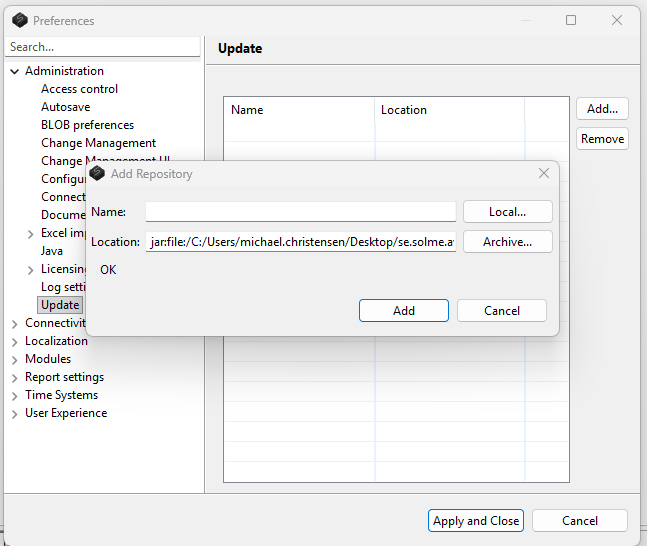
7) Select "Apply and Close"
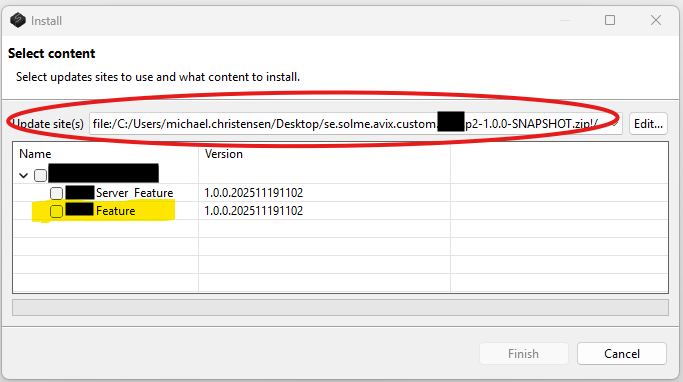
8) Select the update-site/archive from the dropdown and select ONLY the checkbox for "Feature" ONLY
9) The feature will start installing and when finalized you can manually restart AVIX