
Installing customization
1) Download and place the .zip in a suitable folder (e.g. a folder named “AVIX add-on)
2) Start AVIX
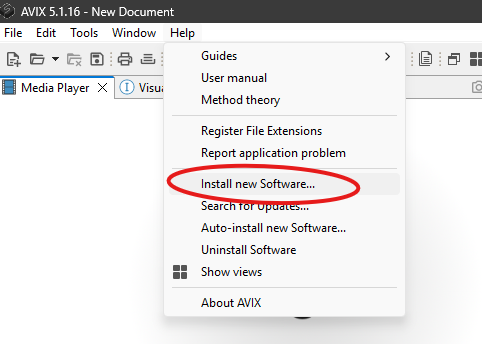
3) Select ”Help” à ”Install new software”
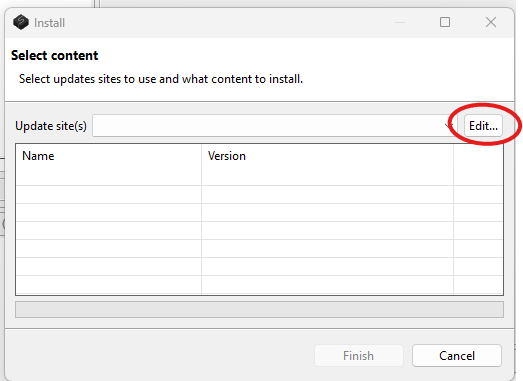
4) Select "Edit"
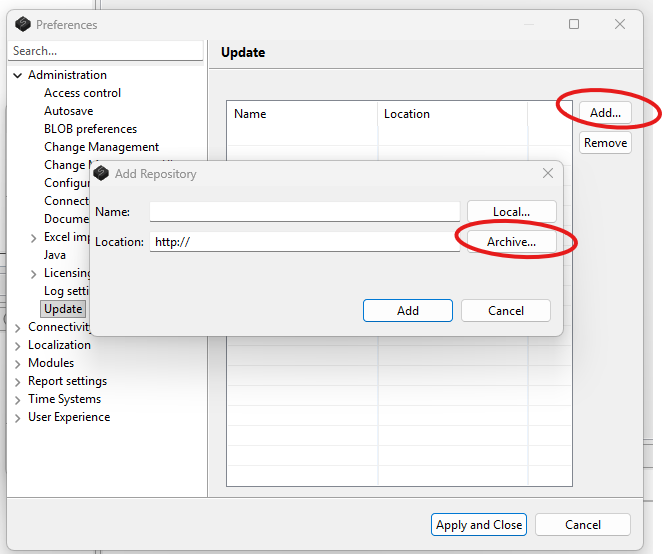
5) Select "Add" then "Archive"
6) Select the downloaded zip-archive and "Add"
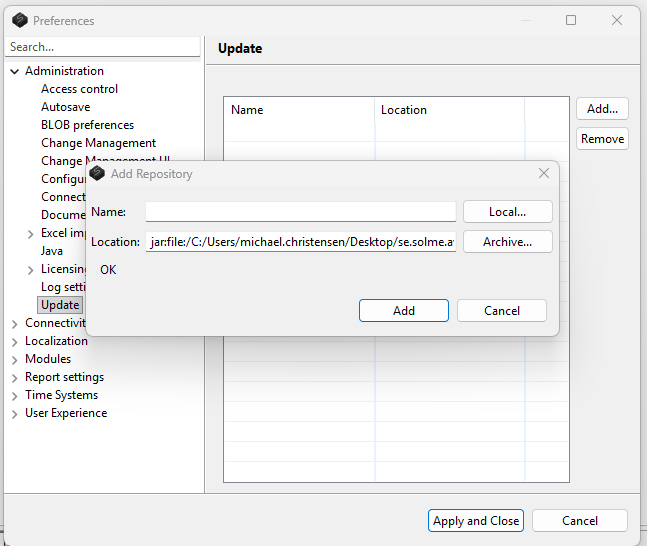
7) Select "Apply and Close"
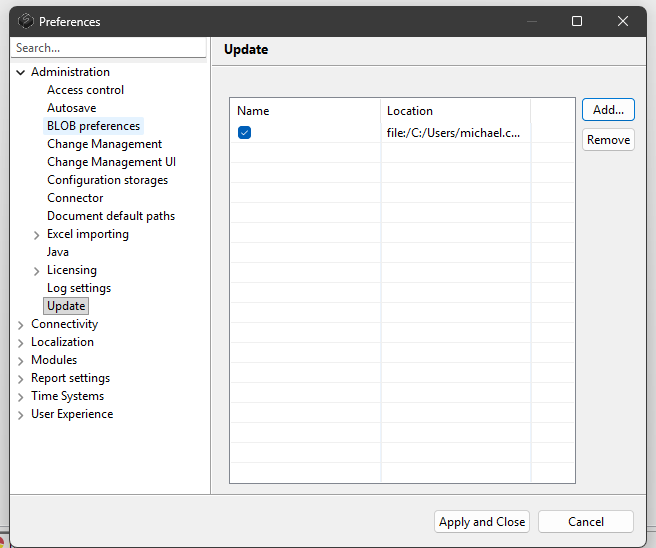
8) Select the update-site/archive from the dropdown and check it
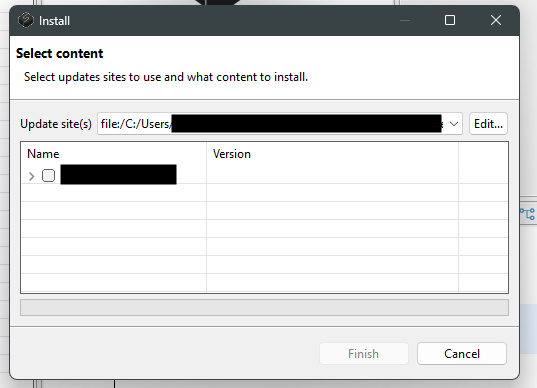
9) The feature will start installing and when finalized you can manually restart AVIX