
Editing Added Pictures
In the additional tab, all pictures/documents can be handled.
They can be deleted or re-arranged in order (used by some reports).
Right clicking a picture makes is possible to edit it by adding arrows and text as a layer without changing the actual picture.
The added layer will only be visible in AVIX.
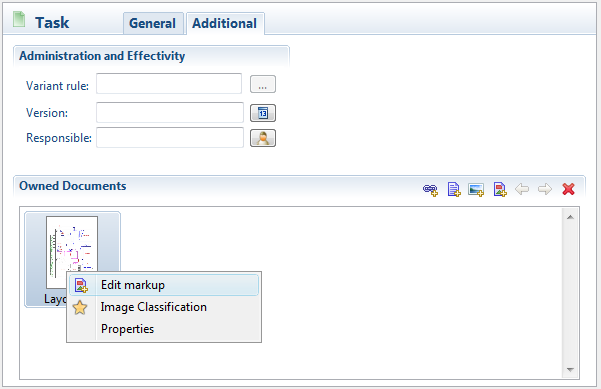
When you select “Edit markup”, a window will appear. The editing functionality is similar to other object-based software. Select an object to add, e.g. an arrow and then click and drag to add it.
Once an object is present, select it (two or more blue dots will show) and by right clicking, the properties can be set, i.e. color, size etc.